
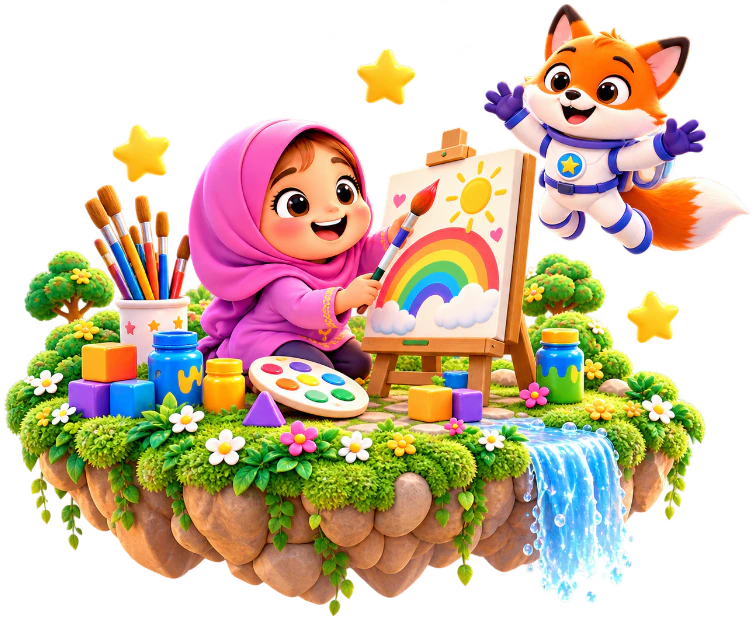
Play and create
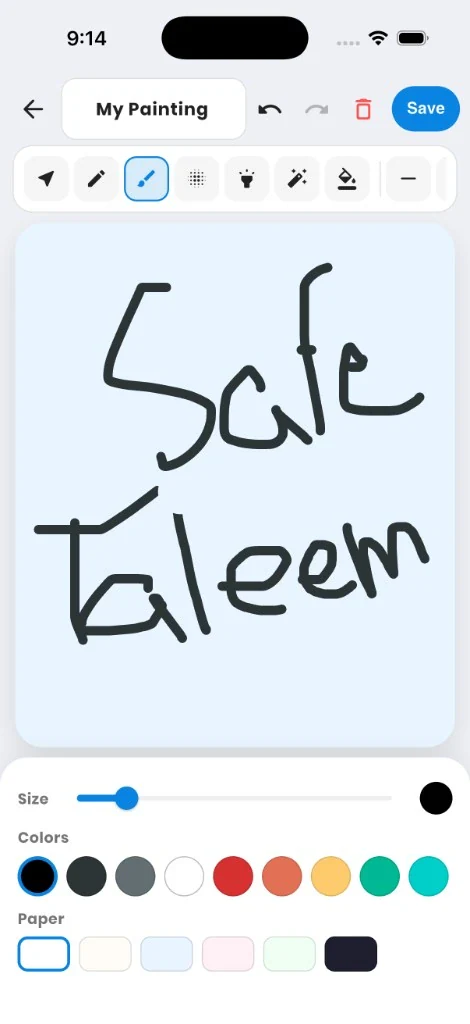
Building, drawing, and painting sit beside the lessons, with a small free preview of the art studio.
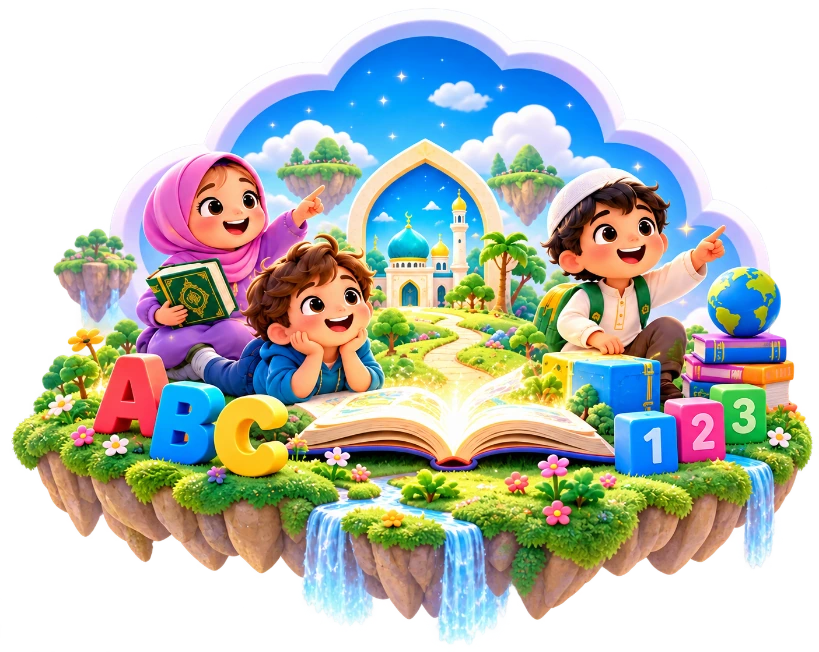
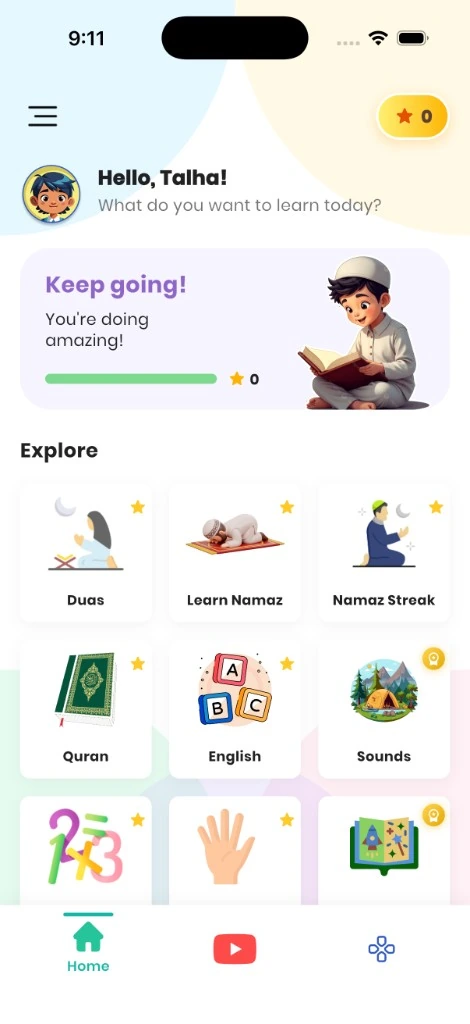
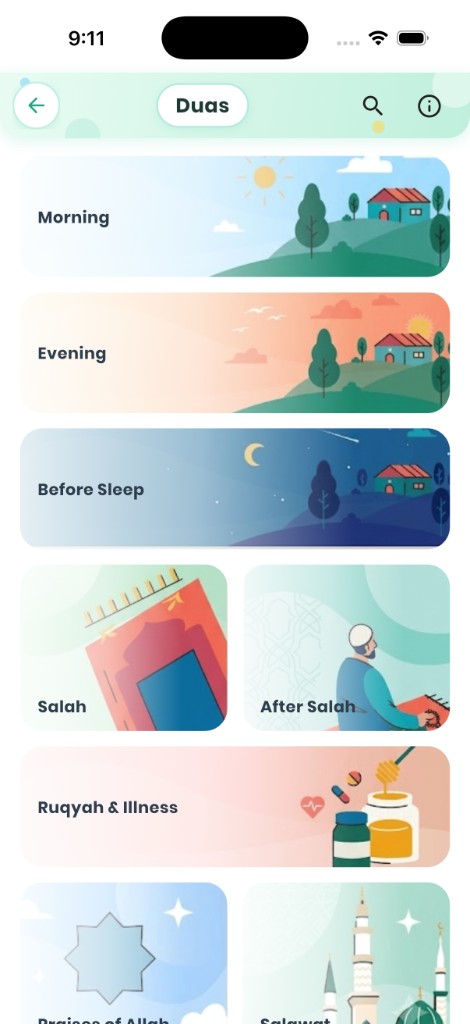
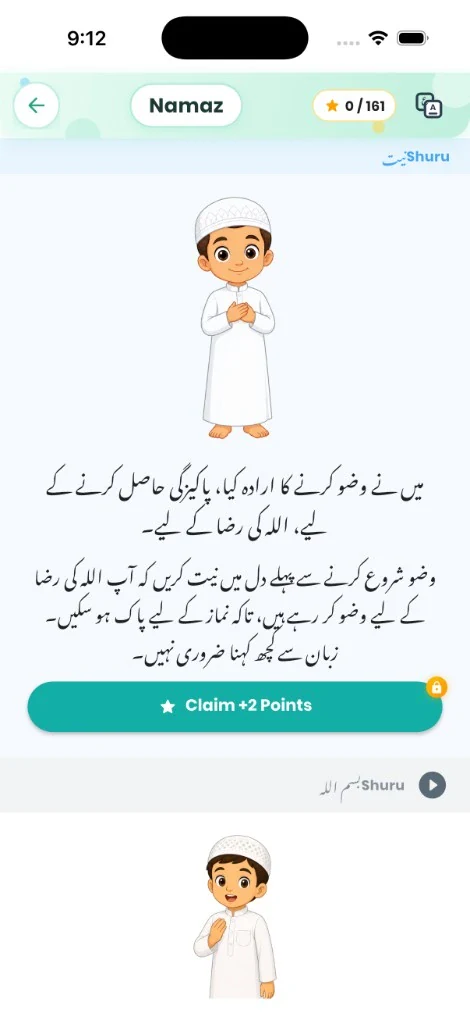
+Namaz, Quran, English, and math live in one calm app. You choose every video a child can open.
See what’s insideParent-approved learning
















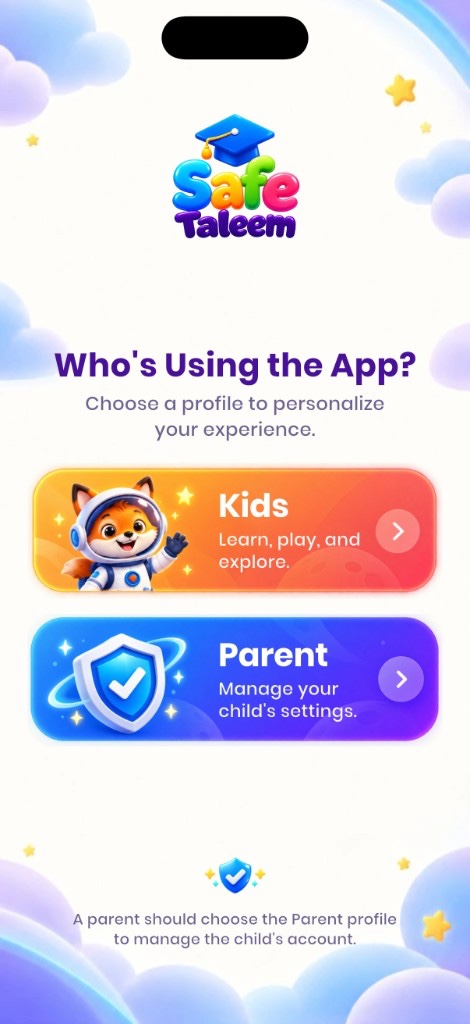
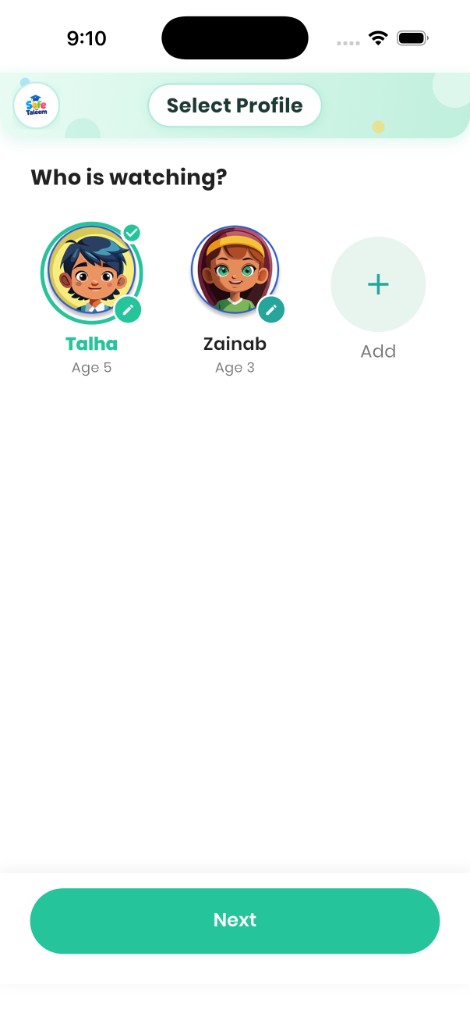
The real app
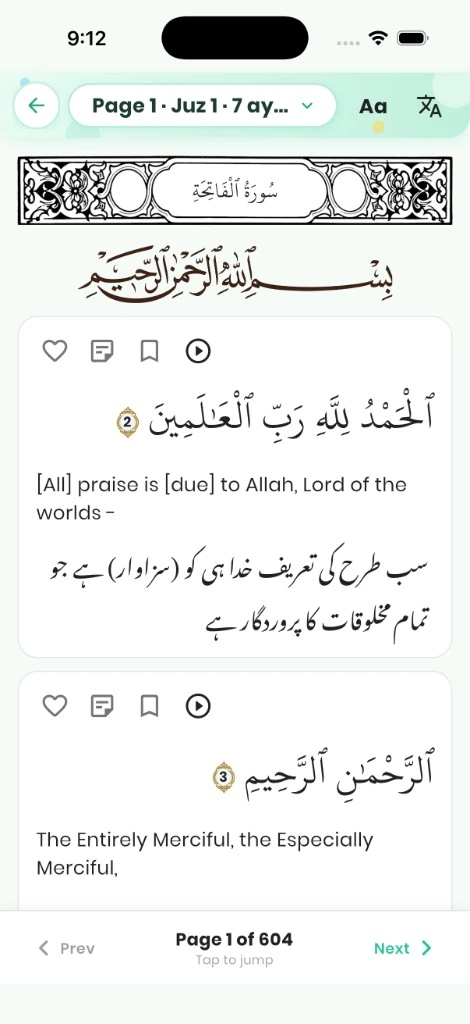
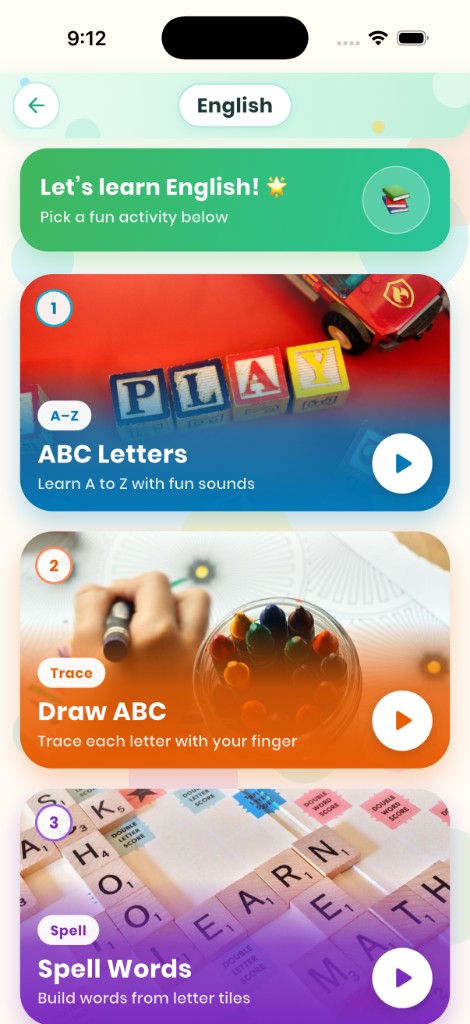
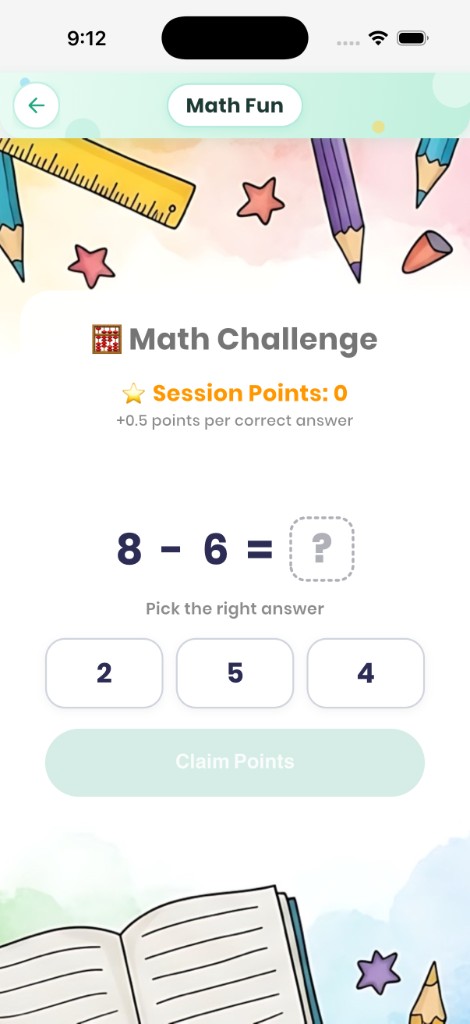
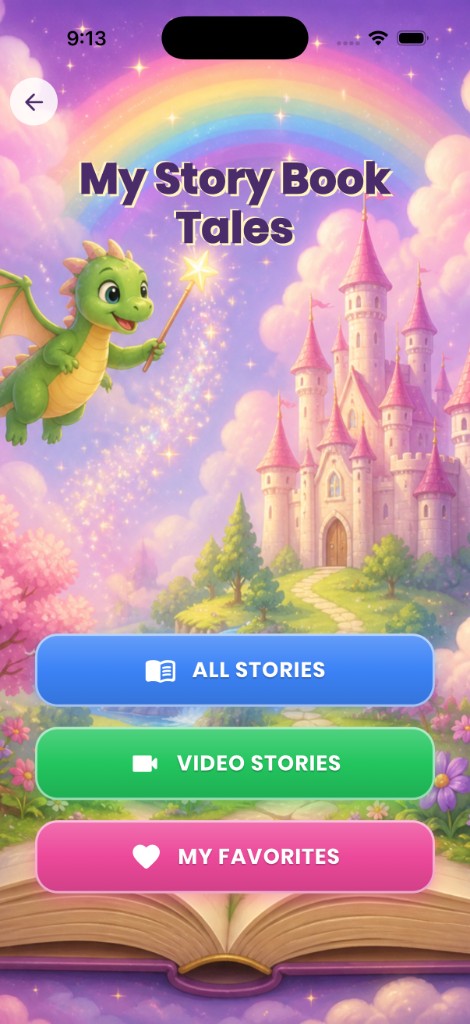
Tutorials
Short videos on how to register, choose videos, and use Safe Taleem.
Tutorial videos will appear here.
Inside
Building, drawing, and painting sit beside the lessons, with a small free preview of the art studio.
+
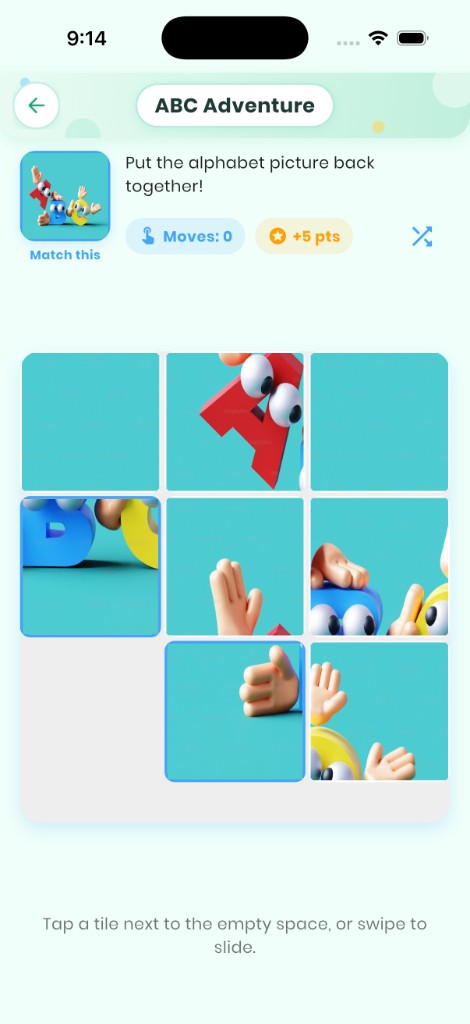
Starter games stay free. Stories, sounds, and the full puzzle set open with premium.
+
Letters, spelling, drawing the alphabet, and math challenges stay open without premium.
+
Welcome
Children learn on their own profile. You decide the videos, and parent tools stay behind your PIN.
Why parents stay
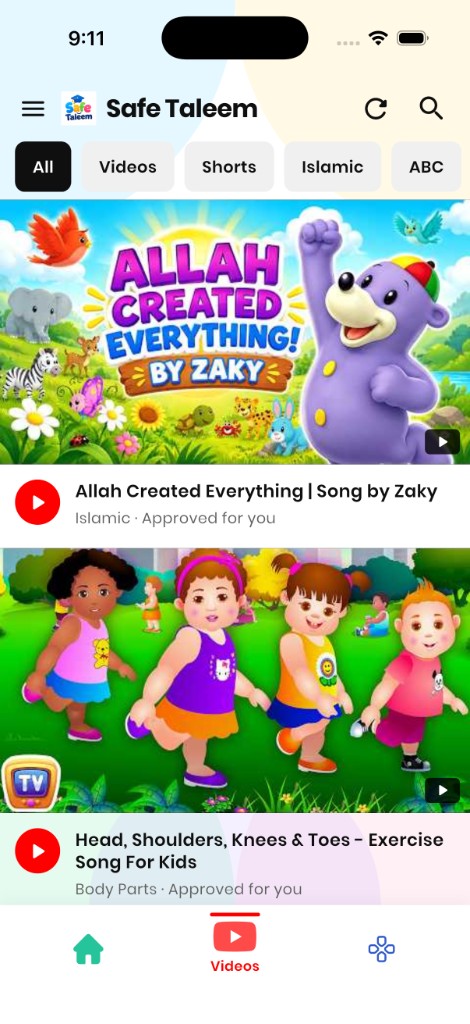
Children only watch the videos you allow, and each profile keeps its own history.
A household uses one kids account. Each child has a name, age, and photo.
Pay on this website with the app email. The paid features open for that household.
Premium
Register with email. That email is the household account.
Monthly or yearly. EasyPaisa, JazzCash, or card, through PayFast when checkout opens.
When a payment succeeds, premium turns on for the parent and the children on that account.